

How to Unblock and Use WhatsApp Anywhere: A Comprehensive Guide
 Sharon
  2024.04.15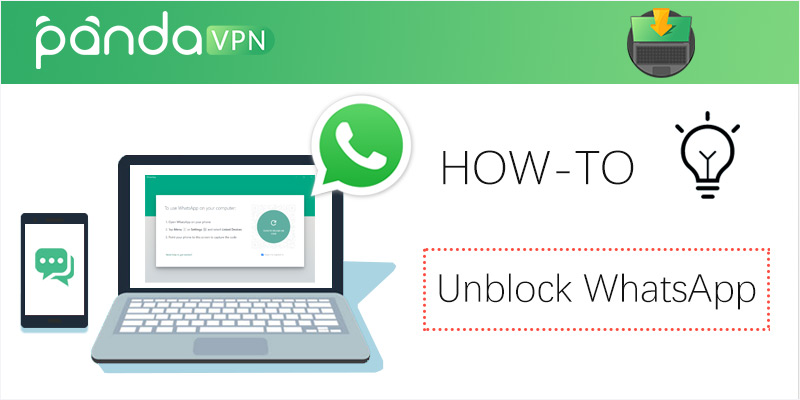
WhatsApp remains one of the world’s most ubiquitous multi-platform messaging applications, boasting over 2 billion active global users. While it may not be the primary choice for every domestic user in the United States, it serves as an indispensable lifeline for international communication, connecting families, friends, and business partners across borders.
Whether you are traveling abroad, managing cross-border communications, or looking for ways to maintain secure connectivity while navigating geo-restricted public networks, this guide covers everything you need to know about accessing and utilizing WhatsApp smoothly.

Learn about WhatsApp
- Universal Connectivity: WhatsApp is a free, multi-platform messaging app enabling crystal-clear voice calls, video calls, instant text messaging, and media sharing over Wi-Fi or cellular data.
- Global Scale: With over 2 billion active users, it is the standard communication tool for international expatriates, travelers, and global professionals.
- Accessibility: Its lightweight interface, cross-platform synchronization, and intuitive design make it globally accessible across almost all modern operating systems.
WhatsApp core features
- Voice & Video Calls: In addition to individual audio calls, WhatsApp supports group video calls with multi-participant capabilities.
- Voice Messages: Quick-record and send voice notes for instant, asynchronous communication.
- End-to-End Encryption: Messages and calls are secured using strict end-to-end encryption standards, ensuring privacy between sender and recipient.
- Media & Document Sharing: Share high-resolution photos, videos, GIFs, and office documents (PDFs, spreadsheets, presentations) seamlessly.
- Desktop & Web Access: Synchronize mobile chats onto Mac or PC via desktop applications or web browsers.
- WhatsApp Business: Dedicated tools for entrepreneurs and brands to manage customer interactions and showcase product portfolios.
Why does WhatsApp need a VPN?
While WhatsApp is globally popular, network restrictions, local ISP policies, or strict public Wi-Fi firewalls can sometimes interfere with access or specific VoIP functionalities. Utilizing a premium Virtual Private Network (VPN) offers several key advantages:
-
Bypassing Network Restrictions: Travel or reside in regions where VoIP services or messaging platforms face local network blocks? A reliable VPN routes your connection through an unconstrained server, restoring full access.
-
Enabling VoIP and Voice Calls: In certain regions, text messaging functions normally while VoIP voice and video call features are disabled by local telecom policies. A quality VPN helps restore full communication features.
-
Enhanced Privacy Protection: Premium VPNs add an extra layer of military-grade encryption, protecting your communication data from snooping on unsecured public Wi-Fi hotspots.
-
Maintaining Digital Anonymity: By masking your real IP address, a VPN helps protect your personal location data while browsing and communicating online.
Ensure you download official applications directly from trusted distributors. We recommend activating a secure connection via PandaVPN before downloading to ensure network privacy.
-
iOS Devices:
-
Android Devices (APK / Play Store):
-
Desktop Version (Mac & PC):
(Note: Desktop versions require an active smartphone connection to sync initial sessions. Windows 8.1+ and macOS 10.11+ are officially supported).
Top 5 Best VPNs for WhatsApp
Choosing the right VPN ensures stable calls and lag-free messaging. Here are the top-rated VPN providers for secure communication:
1. PandaVPN – Best Choice for Secure Global Messaging
-
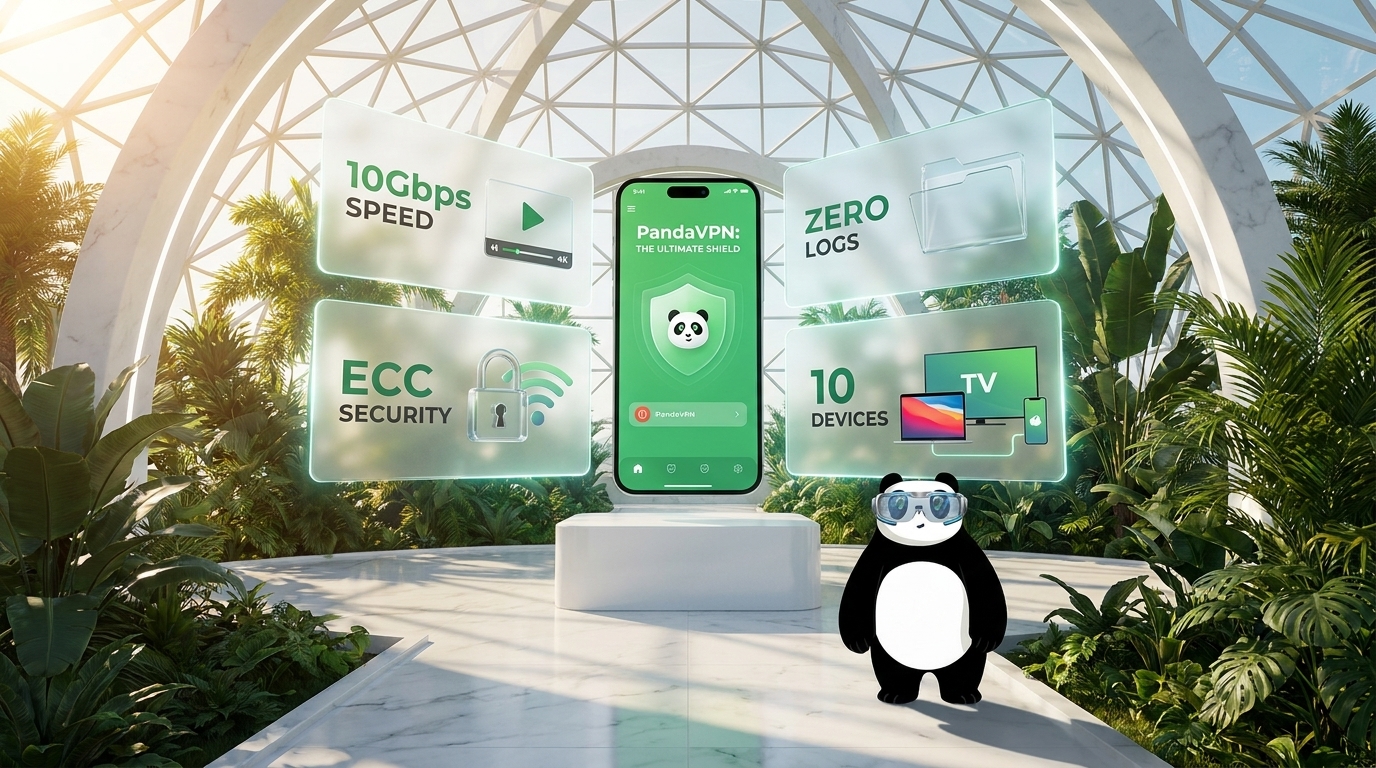
Overview: Highly recommended for unblocking messaging apps and securing international data traffic. It features a vast global server network and utilizes advanced encryption protocols to maintain stable, private connections.
-
Key Security Features: Built-in automatic Kill Switch, strict no-logs policy, and robust 256-bit AES encryption.
-
Additional Benefits: Excellent performance for streaming and general web privacy with a 30-day money-back guarantee.
2. Surfshark – Best for Unlimited Simultaneous Connections
-
Overview: A cost-effective and reliable choice allowing users to protect all household or travel devices under a single subscription.
-
Key Features: Unlimited device connections, Camouflage mode, and clean ad-blocking tools.
3. IPVanish – High-Speed WireGuard Performance
-
Overview: Known for blazing-fast connection speeds powered by the WireGuard protocol, making voice and video calls smooth and uninterrupted.
-
Key Features: Unlimited device concurrency and enterprise-grade encryption standards.
4. ExpressVPN – Premium Reliability & Global Reach
-
Overview: A high-end provider offering thousands of optimized servers across more than 100 countries with stable routing capabilities.
-
Key Features: TrustedServer technology, high-speed connections, and automated network protection.
5. PrivateVPN – Customizable Encryption Protocols
-
Overview: Great for users who prefer tweaking security parameters, offering adjustable encryption levels (128-bit vs. 256-bit).
-
Key Features: Stealth VPN mode and reliable multi-device support.
WhatsApp Not Working with a VPN? Troubleshooting Tips
If you have a VPN enabled but WhatsApp experiences connection issues, try the following troubleshooting steps:
-
Clear App Cache: Accumulated cache data may occasionally store outdated location markers. Clear your app cache or browser data.
-
Switch Server Locations: Connect to a different VPN server region to bypass local network congestion or blacklisted IPs.
-
Check Protocol Settings: Enable advanced obfuscation or stealth modes within your VPN settings if available.
-
Update the App: Ensure both your WhatsApp application and VPN client are updated to their latest versions.
-
Contact Support: Reach out to your VPN provider’s customer assistance team for real-time server recommendations.
Frequently Asked Questions (FAQ)
Can I use a free VPN to unblock WhatsApp?
While some free tools exist, they often come with severe bandwidth caps, slower speeds, and potential privacy compromises (such as logging user data). Most premium providers—including PandaVPN—offer reliable risk-free trials or money-back guarantees, ensuring both high speeds and absolute data security.
How do I trial PandaVPN?
-
Android Users: Download the app for a direct 3-day free trial period.
-
iOS Users: Benefit from a 7-day trial policy via standard subscription channels, with full customer support assistance available for refund requests within the guarantee window.
Have questions or want to share your travel connectivity tips? Let us know in the comments below!

Related Posts


Featured Posts